Seismic Restraints Placement Tool

We developed a Rhino.Inside Revit tool that helped designers place seismic restraints faster.

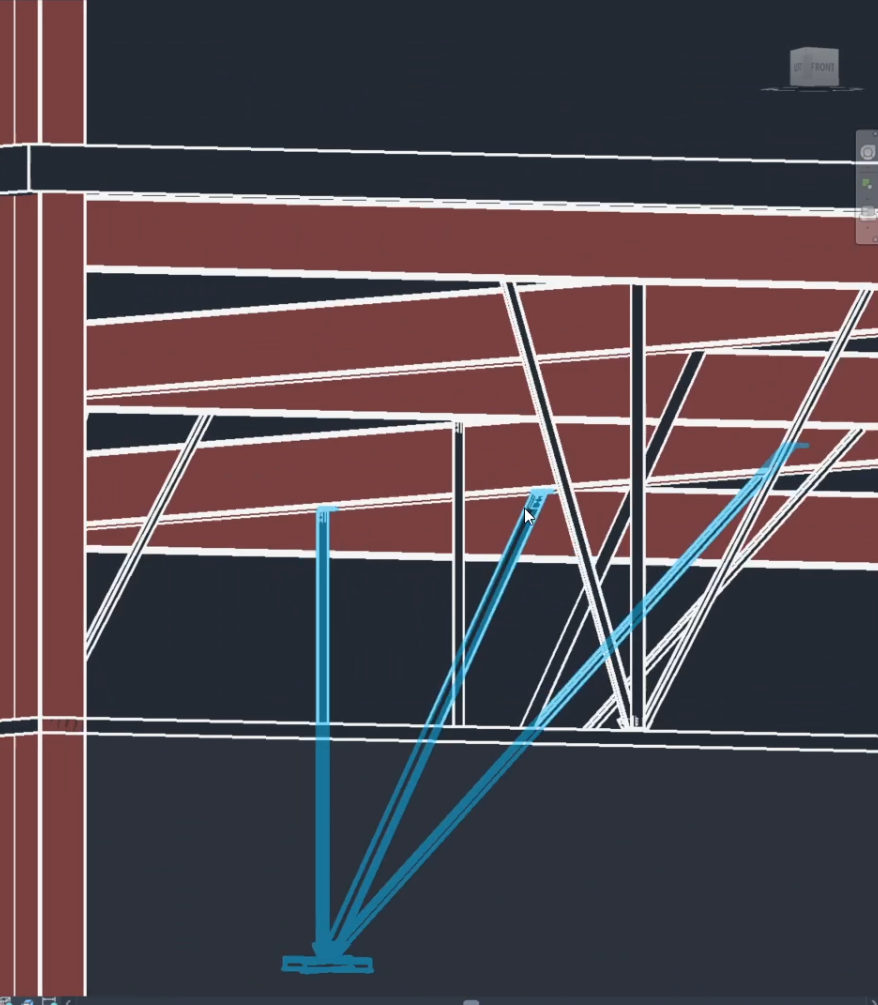
Revit view showing seismic restraints placed in a building model.

Project Summary

Challenge

NDY's designers had to define hundreds of seismic restraints individually, which could take weeks and introduced errors.

What We Built

We built a Revit helper tool that automated the repetitive parts of the workflow while keeping designers in control of the final placement.

Project Details

The Work

NDY needed a faster way to place seismic restraints in Revit models.

The existing workflow required designers to define each restraint individually. On projects with hundreds of restraints, that meant repetitive work and many opportunities for placement errors.

We built a Rhino.Inside Revit helper tool for the task. The goal was not to replace the designer’s judgment, but to automate the repetitive parts so the team could move faster while still reviewing and controlling the final result.

The Tool

The tool connected model information, placement logic, and a user interface inside the design environment.

Designers could use it to generate restraint placements, inspect the result, and keep manual control where project-specific decisions were still needed.

Gallery

Revit view showing seismic restraints placed in a building model.
Seismic restraints placed across the model.
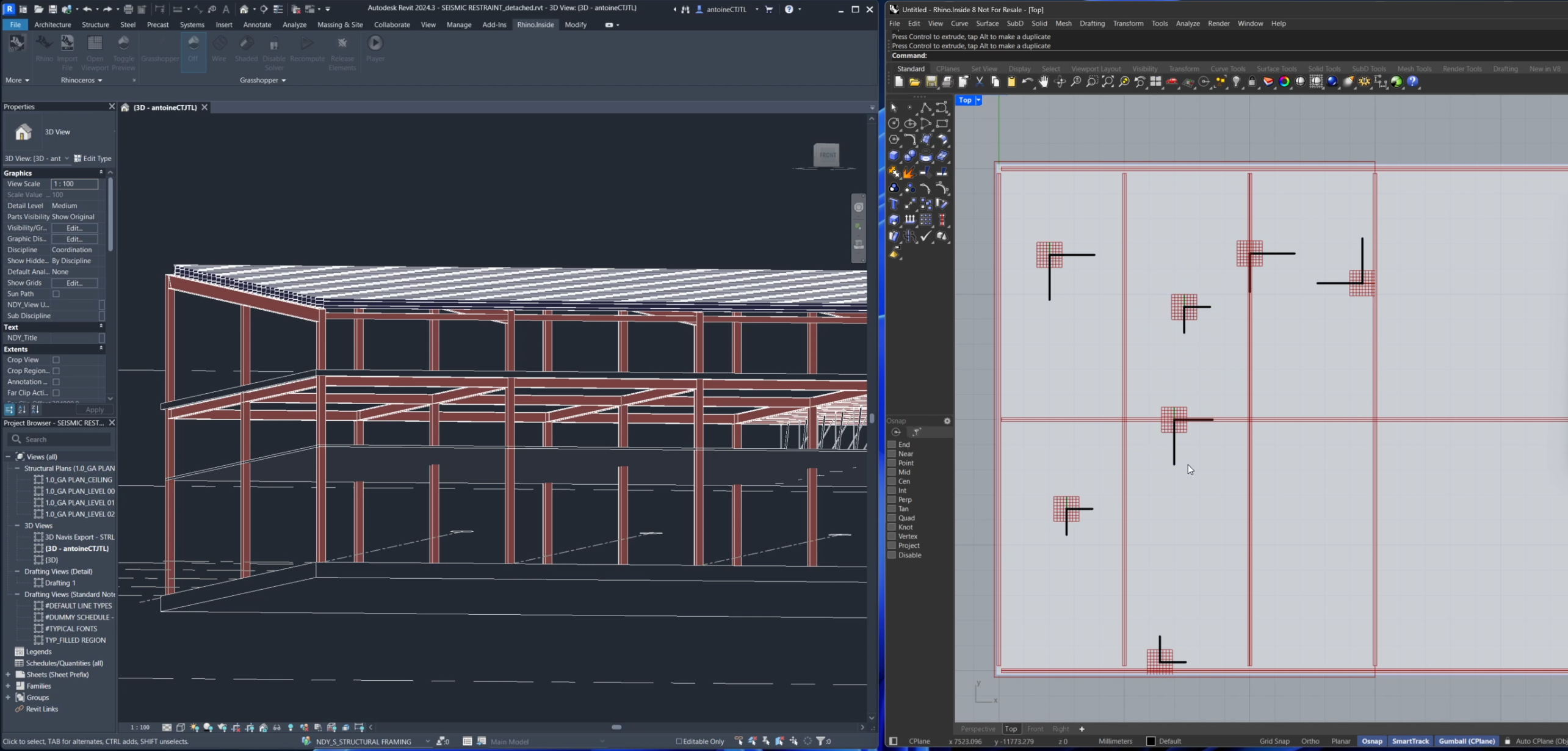
Side-by-side model views used during seismic restraint placement.
Side-by-side view of Revit and the Rhino-based automation tool.
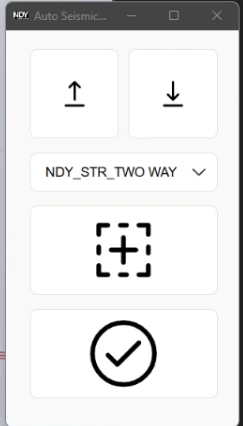
User interface for the seismic restraints placement tool.
All tools need a UI.
Revit view showing seismic restraints placed in a building model.
Seismic restraints placed across the model.
User interface for the seismic restraints placement tool.
All tools need a UI.
Side-by-side model views used during seismic restraint placement.
Side-by-side view of Revit and the Rhino-based automation tool.